Music
In the late 80s teenage me became enamored with industrial and electronic music – very young genres at the time. I had been listening to punk and metal and, thanks to Fishbone, had discovered funk and soul and ska, but it was my part time job at a record store that sucked me into electronic and industrial. Every week I’d dig through the promo cassettes we’d receive and take home a few, chosen solely for their album covers or titles. This is how I discovered acts like Ministry, Consolidated, Die Warzau, PWEI, Nine Inch Nails and especially Meat Beat Manifesto.
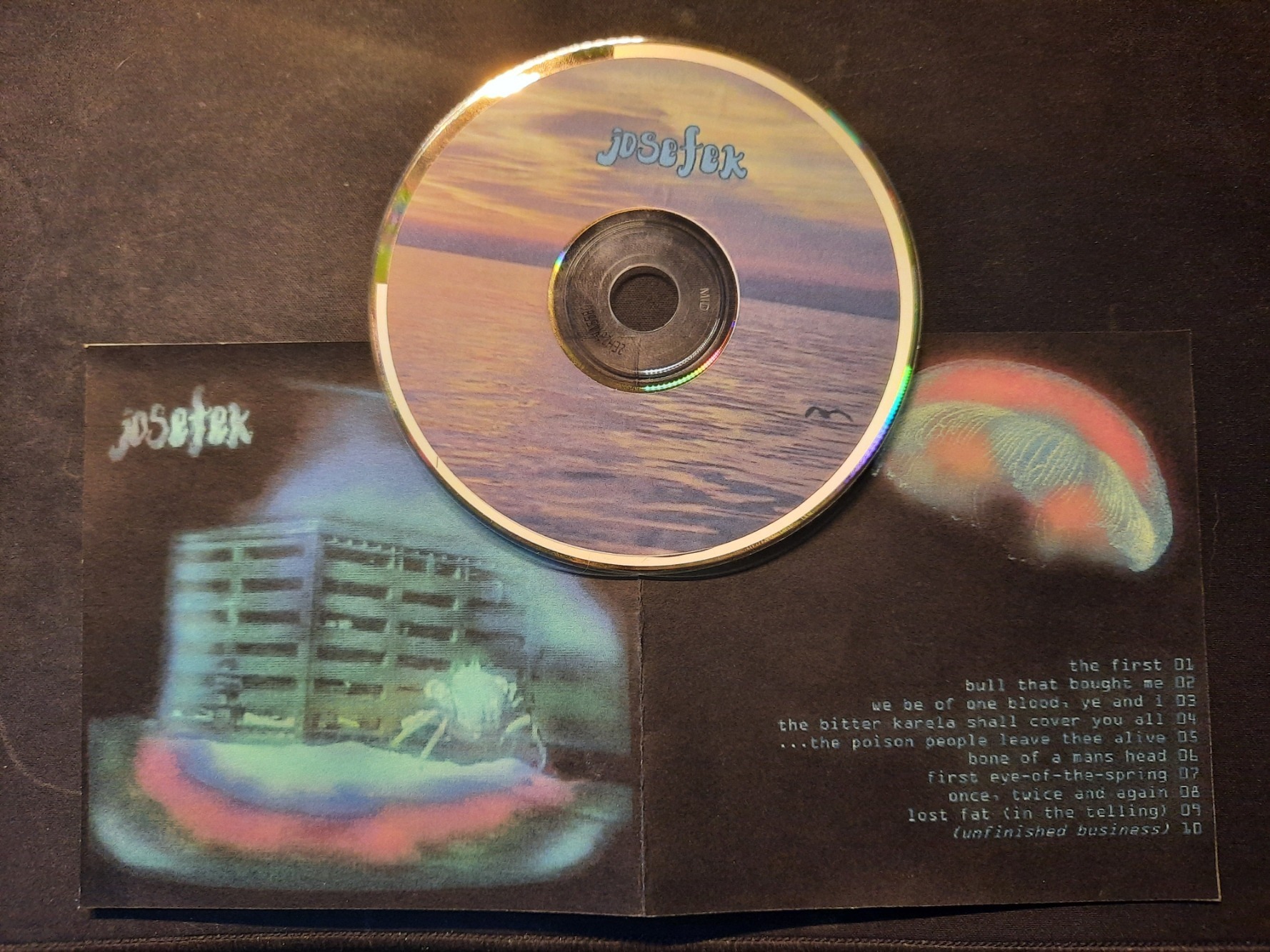
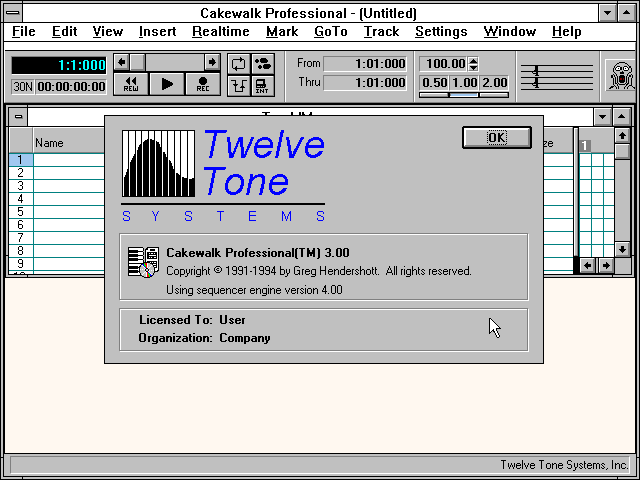
A roommate and I started cobbling together used equipment (usually purchased on layaway from the dearly departed Galaxy Music on Stone Mountain Hwy) and learning Twelve Tone’s Cakewalk sequencer – first on DOS, and then Windows 3.1. When my roommate and I parted ways, I bought out all this equipment – an ancient PC, a Roland Juno 2, two Ensoniq Mirage’s (one rackmount, one full keyboard), a Yamaha drum machine I mostly repurposed as a sample triggerer, and all the requisite cabling and MIDI garbage to tie it all together. Armed with this stuff, and an old Yamaha bass, Gibson Flying V, and a no-name acoustic, I would stay up late at night after work and create weird, kind of unclassifiable songs. By 1993 I had enough ‘finished’ material to make an album… so I did. I spent forever trying (and mostly failing) to master these tracks and tie them together. I designed an album cover, and burned exactly one CD, which I shared with no one.
I’ve held onto that CD ever since. I dug it out a few years ago to listen to privately and then – with some trepidation – shared it with my son, who was developing his own musical taste and dabbling in trying to create songs. “This is you!? How old is this? How did you do this back then?”
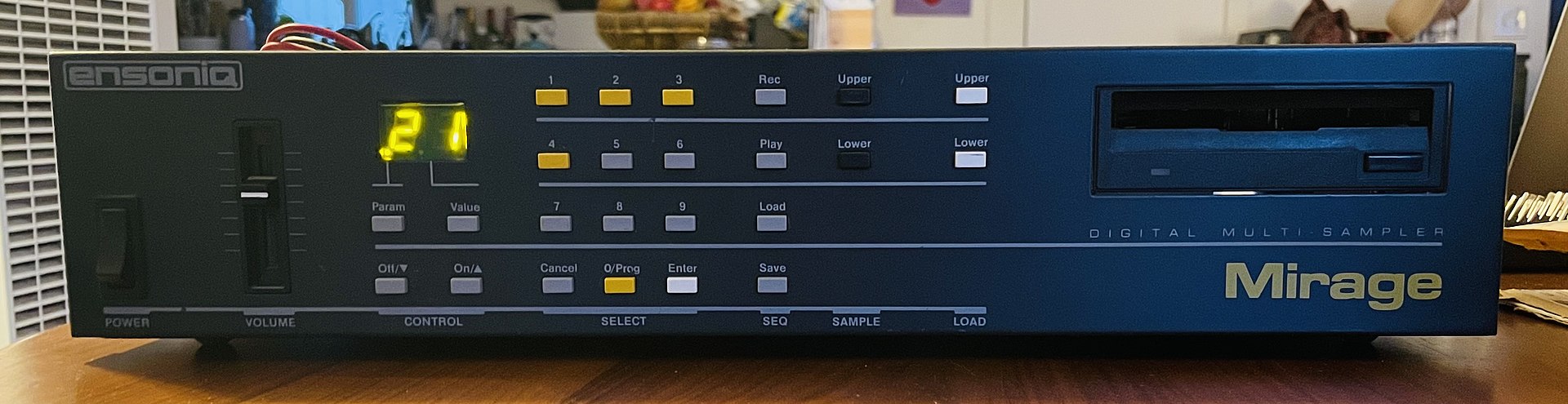
Listening to it over 30 years later… it’s not bad. In fact, it was kind of ahead of its time, or at least in line with what was considered cutting edge in burgeoning electronic music scene at the time I was making it. It sounds dated, but it’s also fascinating to consider that this stuff wasn’t made with a modern DAW – the samples were recorded onto 3.5 inch floppies, painstakingly manipulated and altered, mostly triggered ‘live,’ and sequenced with Cakewalk, which had only MIDI capability at the time. Many of the samples were me playing, either live or converted from an ancient 4-track cassette recorder. Making this stuff now would be easy. Back then it was insanely time consuming and complex. Much of the grit and grime and audio imperfection and degradation comes from this old process, but I kind of think it sounds better because of this. It somehow sounds more organic and lived-in than the sterile electronic music of today.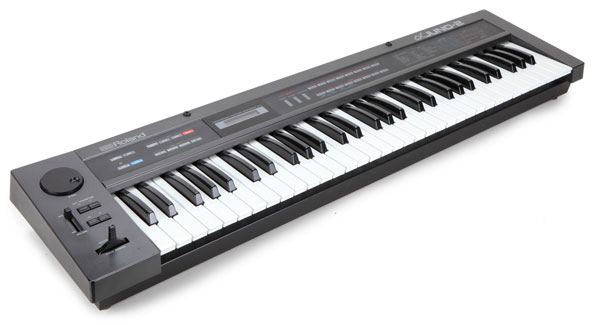
The 20 year old me was too insecure to share this stuff with anyone. I wonder what could have happened if I hadn’t lacked the confidence to put myself out there all those years ago. But that wasn’t me. I didn’t share. I quit bands as soon as I felt out of my comfort zone. I still have boxes of old 4-track tapes I haven’t listened to in 35 years – many with musical collaborators who are now dead and gone (including the aforementioned roommate) – 3 ring binders filled with art that no one’s ever seen.
But now I’m old, and we’re in a world so flooded with music and media that putting this out there is like dropping a grain of sand on a beach. My kid didn’t recoil upon hearing it so I figured, what the hell.
https://share.amuse.io/album/josefek-josefek